
Open your project
Open your project in Colossal and describe what you want in the chat: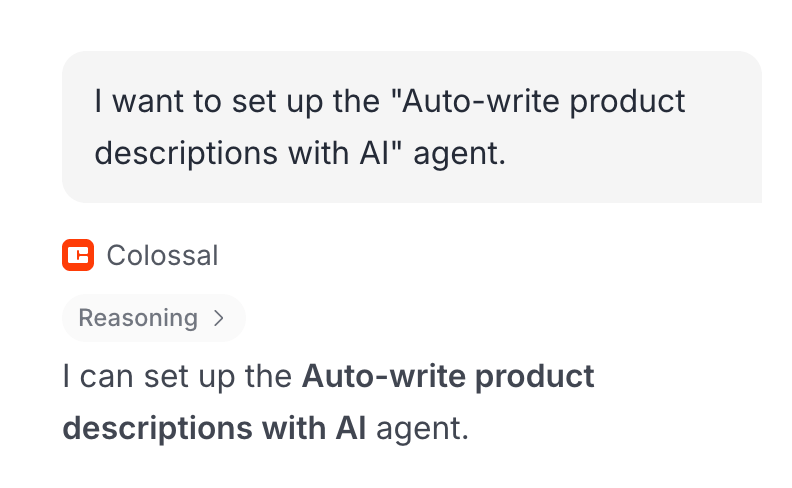
Award AI-decided loyalty points in Smile.io on order completion
Draft a follow-up and open a support ticket on refund
Log completed orders to Airtable
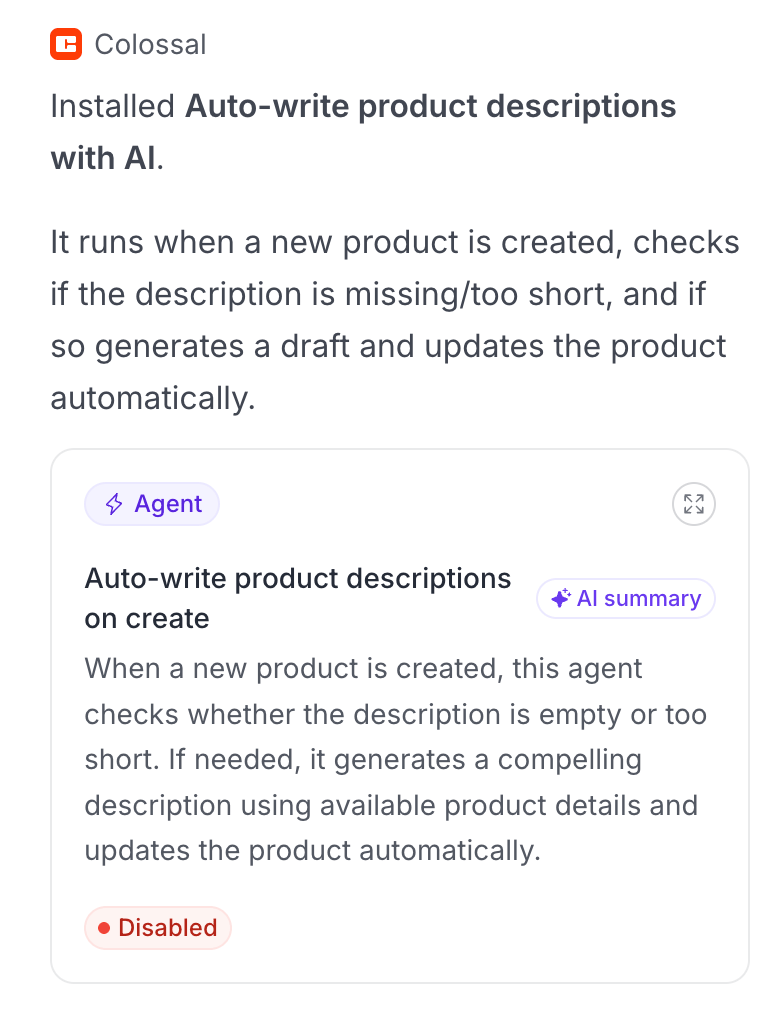
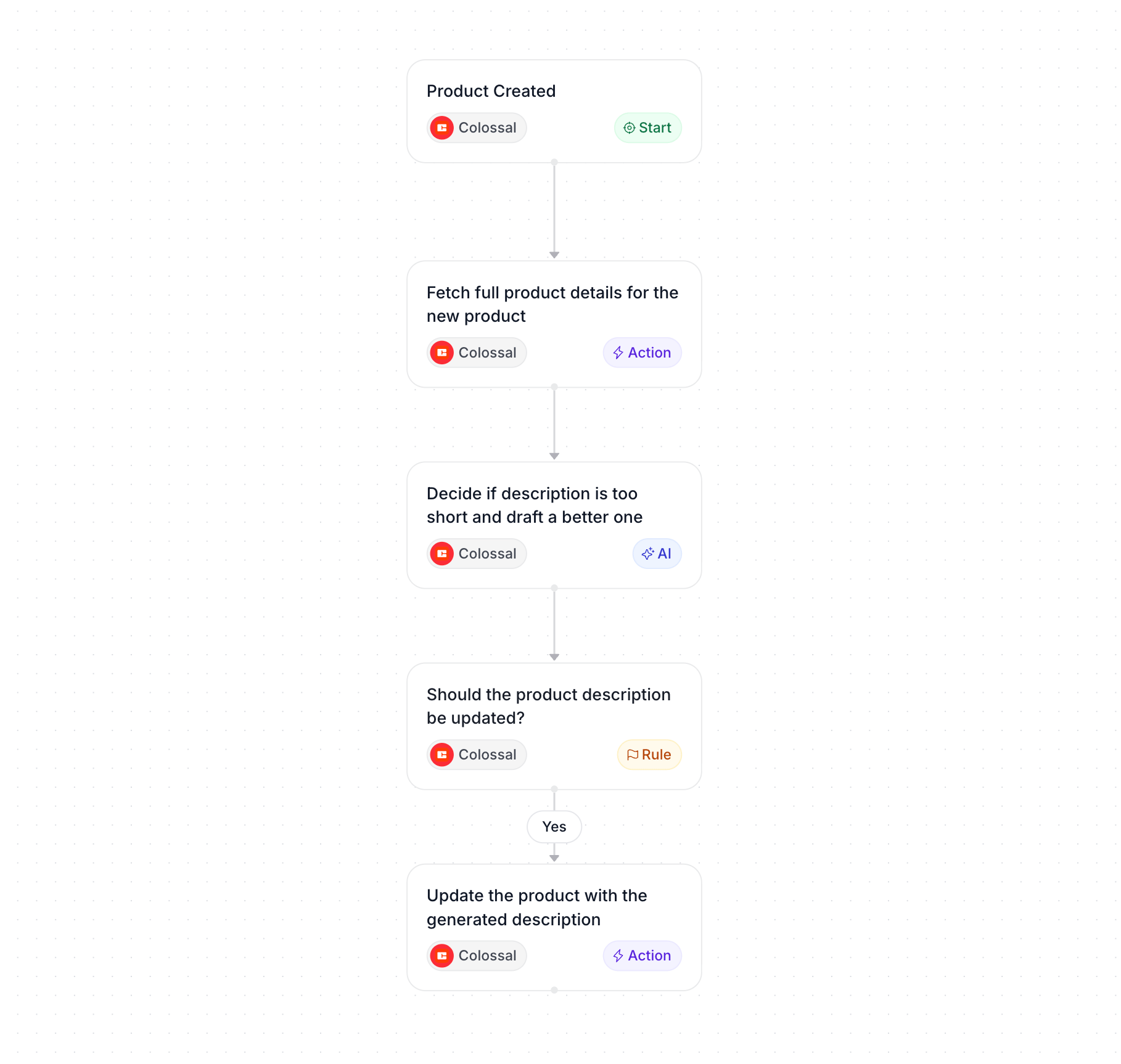
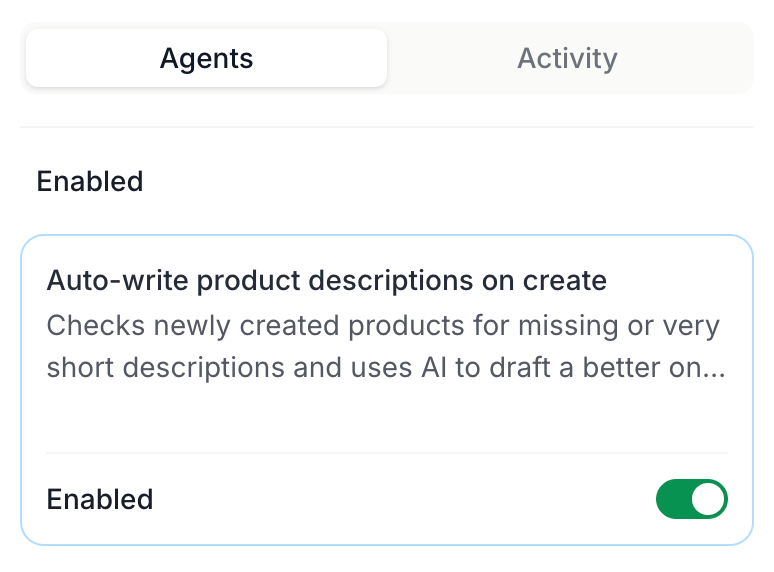
Update your automation
Edit existing automations the same way you created them — describe the change in chat. Each run is durable: if a step fails, the engine retries automatically.Next steps
Automation Builder
Events, step types, and execution model.
Connections
Browse the apps that provide events and actions.
Events
Full event list and payload schemas.
Create a storefront
Scaffold a storefront and connect it to your project.